
Creating your signature
Learn how to create and apply your signature.
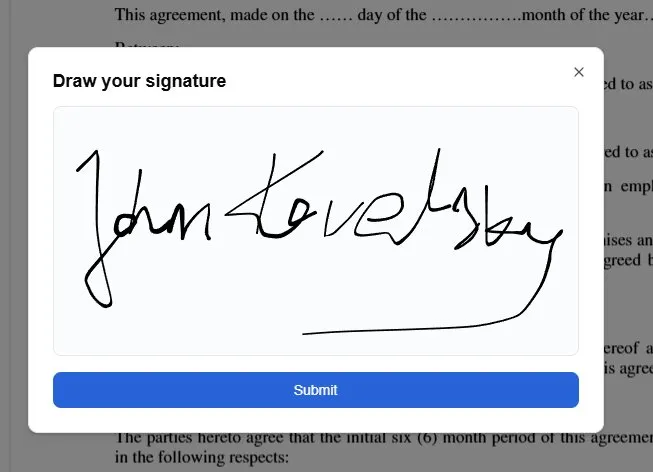
You can create a hand-written signature and place it in your document easily with AnyPDFFiller.
Starting the signature creation is a simple process which can be done in two ways:
-
Click on the Add signature button in the main UI.
-
Right-click on the document you are editing and select Signature option from the context menu.
After that a dialog window will show up. You will be able to draw your signature in the designated box. After you are done, just click on the Submit button and move around your document to find the correct spot to place your signature. Apply the signature with left-click.
You can then click on the signature and move it around or delete it in the same way as you would any other field.
Ready to start filling your PDFs?
Fill out PDF documents like a pro in minutes - no premium account needed.