
AnyPDFfiller ·
How to purchase premium account
Learn how to upgrade and purchase a premium account.
Purchasing a Premium account is very simple and immediately gives you several benefits:
- access to higher limits for AI Field Detection
- saved data profiles for your PDF forms
- ability to save your projects
- saving fields and default data as reusable fields
- use saved projects as templates, to quickly kickstart PDF creation
- no watermark for your PDF downloads.
How to purchase AnyPDFFiller premium?
- Login to your account or create it (you can also do it later).
- Access the Pricing page and select the plan that interests you.
- Fill out your payment details. If you were not logged in, type in your email address as well.
- After your payment passess through, your account should be activated.
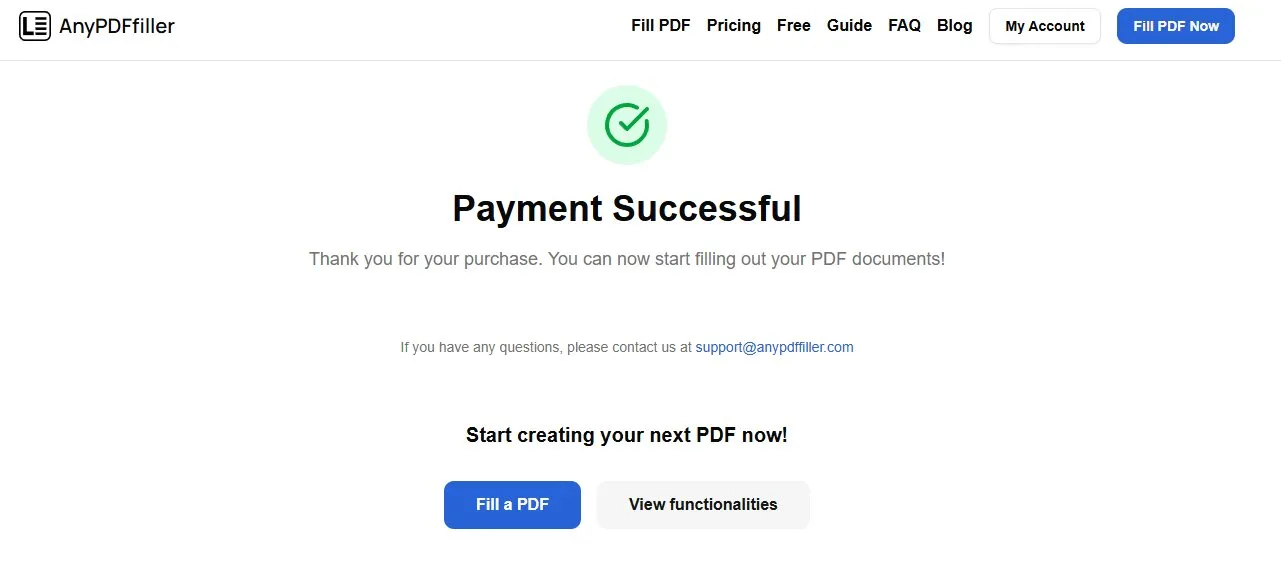
- Access the PDF Filler page. New options like Save Project and Save Template should become available for you.
NOTE
If the Premium features are not visible for you despite a successful payment, please wait for a bit and refresh the page. Sometimes it might take several minutes for payment to be fully processed.
Should you still experience issues with your subscription despite a valid charge taken from your account, please contact us through Contact page.
Purchase without account
If you completed a purchase without being logged in, there are some extra steps to the process.
- After making a purchase while not being logged into an account, please set up your account as soon as you complete the payment. It’s not possible to use the Premium features of the AnyPDFFiller application without being logged in.
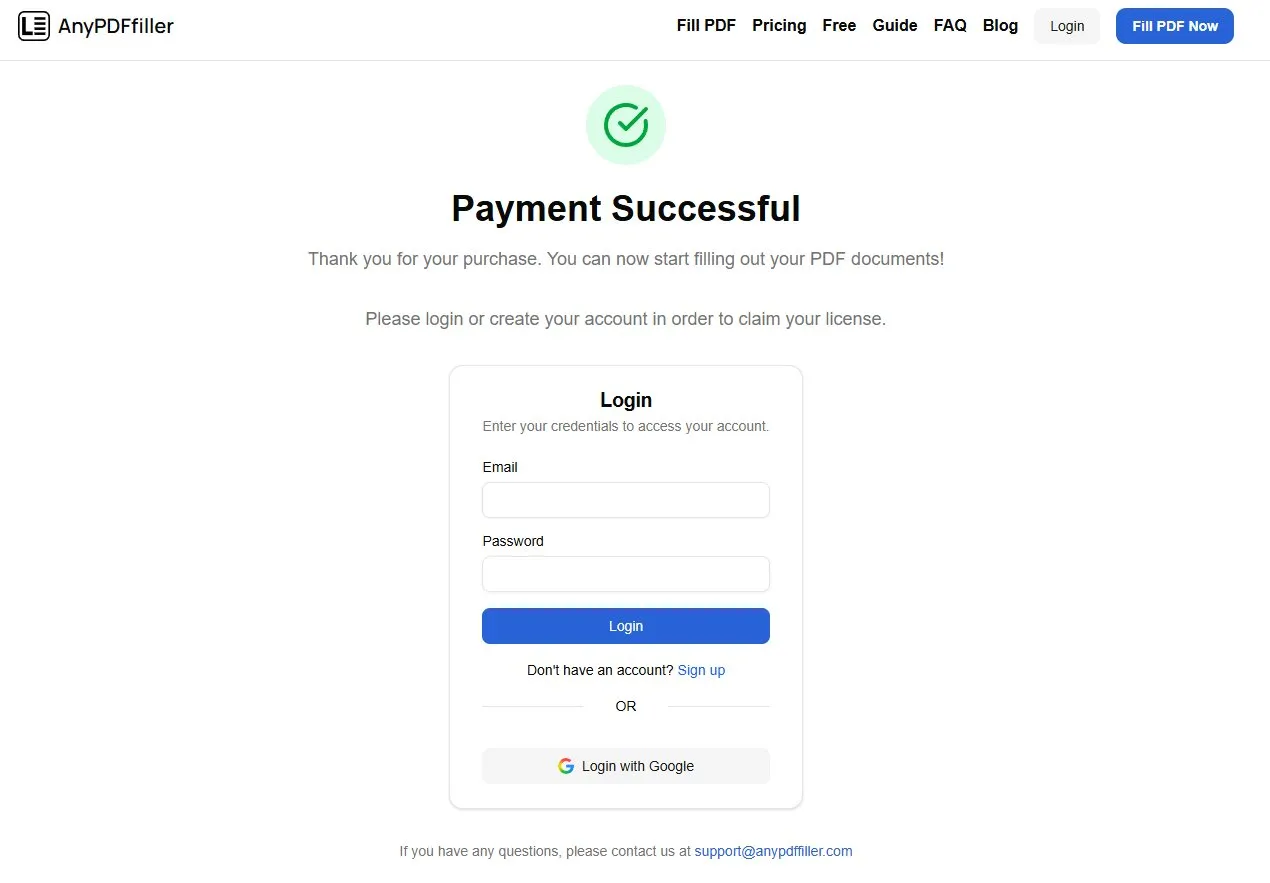
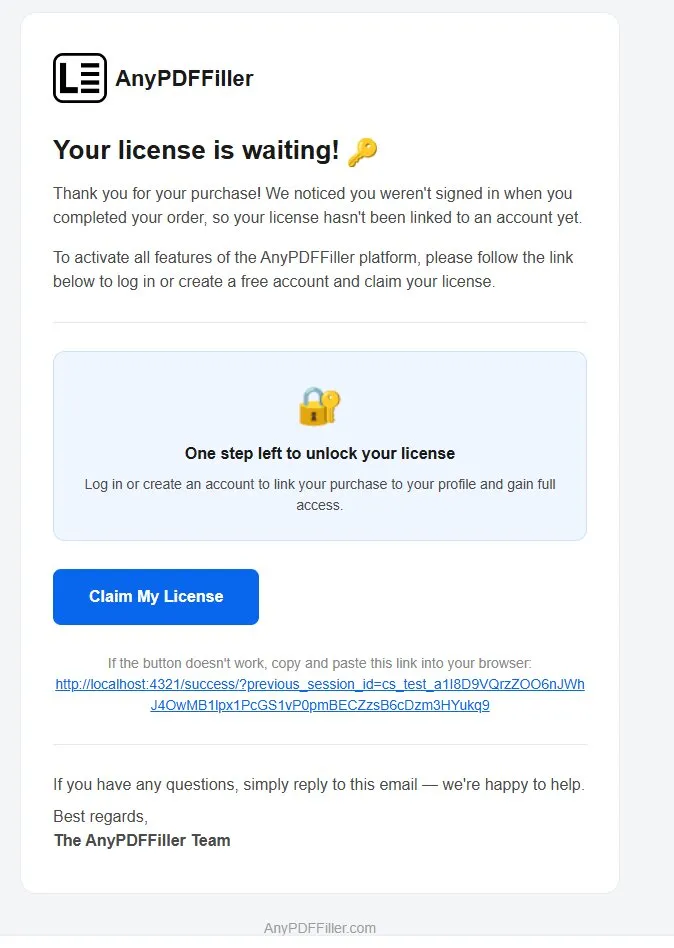
- In case you did not immediately set up your account post-purchase, you should obtain an email with a code to your license - available through link. Simply click on the link in the email and register your account in order to claim your license.
Ready to start filling your PDFs?
Fill out PDF documents like a pro in minutes - no premium account needed.